

How to Manage Screen Time for Kids Without Daily Fights

You tell them it’s time to turn off the tablet. They ignore you. You repeat yourself. They whine. You threaten. They melt down. Sound familiar? 😩
Managing screen time can feel like a daily power struggle—but it doesn’t have to be.
The good news: with a few mindset shifts and practical strategies, you can reduce arguments and help your kids build healthier screen habits—without becoming the “mean parent.”
Let’s break it down step by step.
Why Screen Time Turns Into a Battle
Before fixing the problem, it helps to understand it.
Screens aren’t just “fun” for kids—they’re designed to be addictive. Games, videos, and apps trigger dopamine, making it genuinely hard for kids to stop. When we abruptly pull the plug, their brains react emotionally.
That means:
- The meltdown isn’t always defiance
- Your child isn’t trying to “win”
- They often need help transitioning
Once you see screen time as a skill to be taught—not a rule to be enforced—everything changes.
Set Clear Expectations Before Screens Turn On
One of the biggest causes of screen-time fights? Surprise endings.
Instead of saying, “Turn it off now!”, set expectations ahead of time.
Try this:
- Clearly state how long screen time will last
- Explain what happens next
- Stick to the plan consistently
Examples:
- “You have 30 minutes, then we’re having lunch.”
- “Two episodes, then it’s clean-up time.”
Helpful tools:
- Visual timers
- Phone alarms
- Kitchen timers kids can hear
When kids know what’s coming, they’re far less likely to resist.
Create a Simple, Predictable Screen-Time Routine 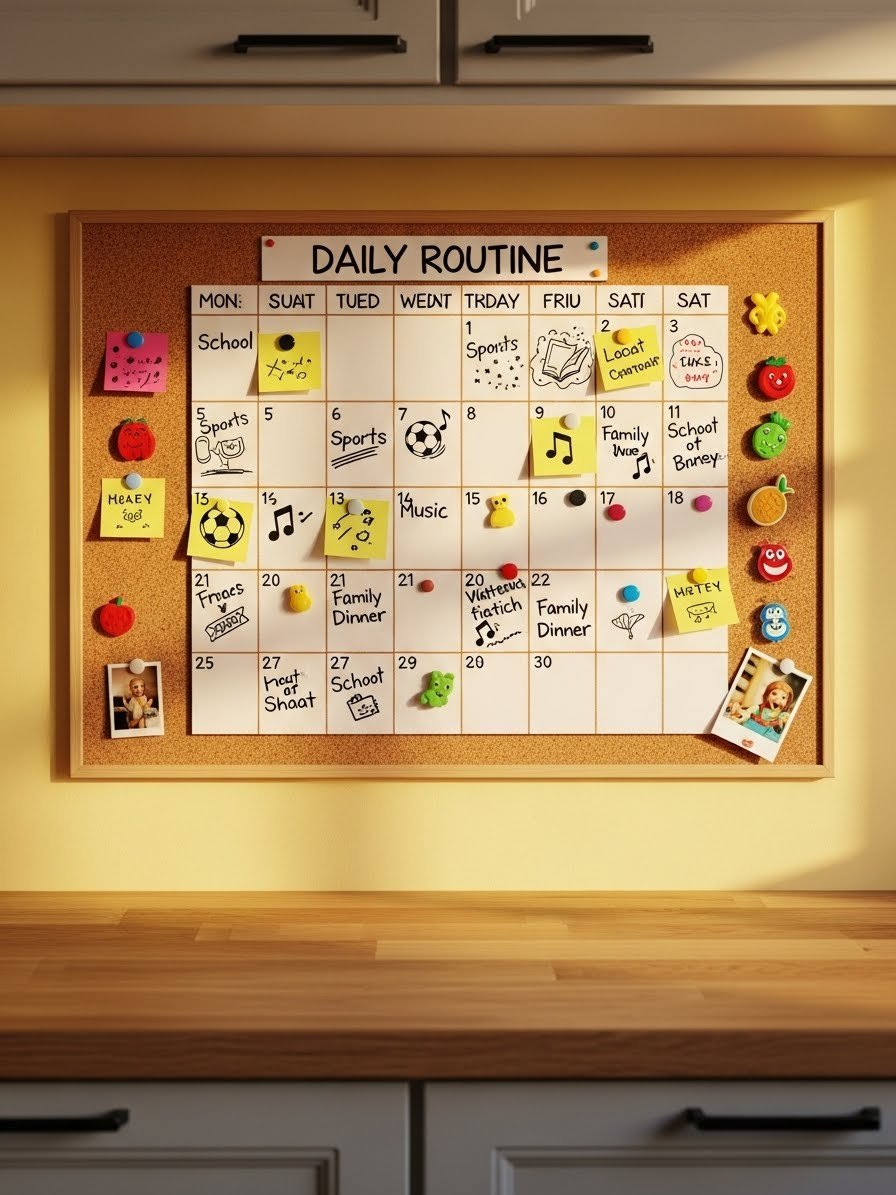
Kids thrive on routines—and screen time should be part of one, not a random event.
Instead of screens being available all day, try:
- Screens only after homework
- A set “screen window” each day
- Screen-free mornings or evenings
For example:
- School days: 30–60 minutes after homework
- Weekends: longer blocks with breaks
When screen time is predictable, kids stop asking constantly—and you stop saying no all day.
Use Transitions, Not Abrupt Endings
Transitions are everything.
Give kids time to mentally prepare before screen time ends:
- 10-minute warning
- 5-minute reminder
- Final countdown
Say things like:
- “Finish this level, then we stop.”
- “Choose one more video.”
This gives kids a sense of control and closure—two things that drastically reduce meltdowns.
Offer a Better “Next Activity” 
Taking screens away without a replacement feels like punishment. Instead, replace screen time with something appealing.
Good transition activities include:
- Outdoor play
- Crafts or drawing
- Building toys
- Playing music or audio books
- Helping with cooking
You don’t need to entertain them constantly—just make the next option inviting enough to soften the transition.
Be a Role Model (Yes, This Matters) 
Kids notice everything—especially your screen habits.
If they see you constantly scrolling, texting, or watching TV, it’s harder for them to understand limits.
Try:
- Putting your phone away during family time
- Saying out loud, “I’m done with my screen now”
- Having screen-free meals
You don’t have to be perfect—just intentional.
Focus on Progress, Not Perfection
Some days will still be messy. That’s okay.
Instead of aiming for zero complaints, aim for:
- Shorter meltdowns
- Faster transitions
- More cooperation over time
Celebrate small wins:
- “You turned it off right away—great job!”
- “Thanks for listening the first time.”
Positive reinforcement goes a long way.
Final Takeaway: Connection Beats Control
Managing screen time isn’t about strict rules—it’s about teaching balance.
When kids feel respected, prepared, and supported, screen time stops being a battlefield and starts becoming just another part of the day.
Your next step: Pick one strategy from this article and try it this week. Even small changes can lead to calmer days, fewer fights, and happier kids—and parents. 💛
